If you're like me and play games on-line on your PC you'll be looking for ways to reduce your network latency.
Most people are familiar with the Leatrix Latency Fix which was posted on the wowinterface site, but recently I happen upon another site which details a further tweaking which includes the aforementioned Leatrix fix along with enabling TCPNoDelay.
Allow me to share the fruits of my go
...
Here's an interesting test which has been doing the rounds, Netalyzr is a tool created by the International Computer Science Institute in Berkeley, California which and I quote:
The Netalyzr analyzes various properties of your Internet connection that you should care about — including blocking of important services, HTTP caching behavior and proxy correctness, your DNS server's resilience to ab
...
The new forum software has changed things somewhat with respect to posting attachments.
At present to when you reply to a thread the (default) view is the standard editor which provides basic editing functionality only, to insert attachments you need to press the "Go Advanced" button.
Attachments can then be added by pressing the
button or the "Manage Attachments" button in additional options. This will take you into the new attachment management page from which you can add attachments using the "Add Files" button.
You can alter this behaviour to reduce the number of steps by updating your "setting" and selecting "Forum Setting".
From there you can change the Message Editor Interface to Enhanced Interface and disable the Enhanced Attachment uploading.
I'll look into it in more detail later and see if there are other ways to streamline the process.
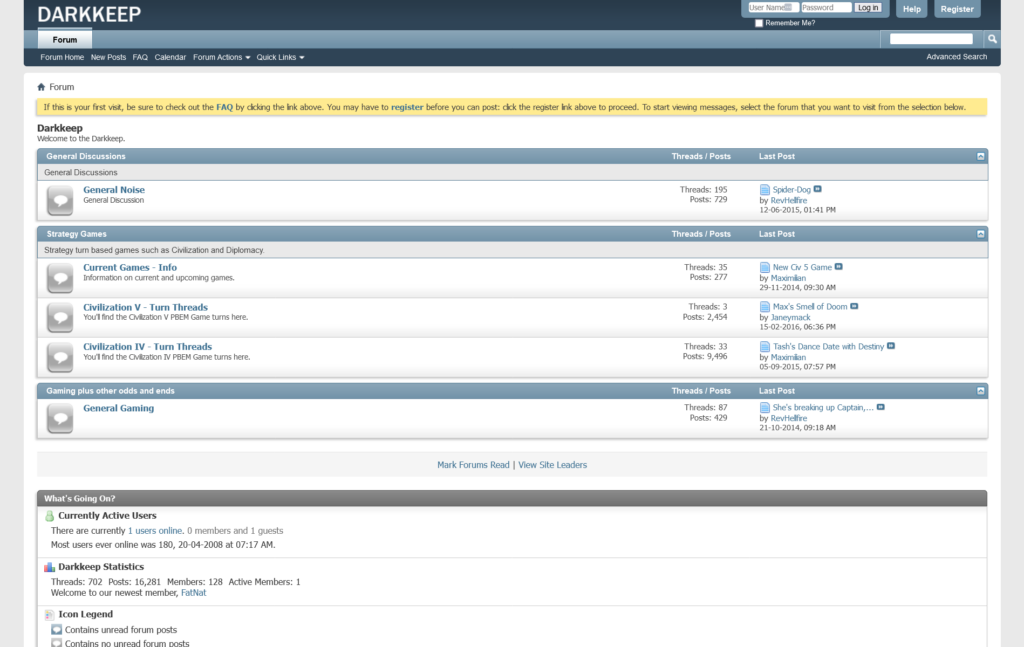
As you can see (hopefully) the site has been updated to version 4 of the VBulletin software.
We'll see how it goes over the next while.
I'll look into getting the shoutbox and the game thread widgets working again.